Oh sorry, it seems I totaly misunderstood the table/gridview thing. Just to make it clear as you didn’t give a definite answer: You were successful doing parameter-based navigation from a table but are currently having problems doing the same with gridview?
About “accessing a detail component on a page from a table or gridview”, it is pretty much the same. In fact, it comes down to just 2 differences:
- The trigger for the table is
On Row Selectand for gridviewOn Click - The action parameter for the table is
{{selectedRow.data}}and for gridview{{item}}
And the second difference is the exact reason that other question has been asked here.
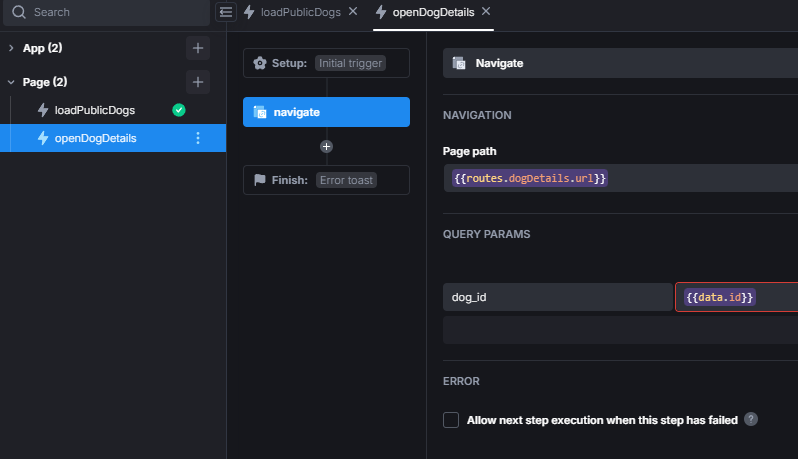
Next, looking at the screenshots, the {{activeRoute.queryParams.student_id}} for the query parameter will not work. With activeRoute.queryParams.<param> you can read query parameters, but in the case of the navigation action it will probably only give undefined back, as we are trying to set the exact query param you are trying to read in that moment. Depending on how your action trigger is set up, you should be able to just use {{data.id}} or {{params.id}} (in the context of an action parameter it’s the same).
But the weirdest thing is the redirect to the wrong page. Because the card can only cause a redirect with triggers and if LoadingSingleStudent is the only action triggered On Click, I honestly don’t understand how that is happening. I know it’s a stretch, but check if any of the components inside the card
open that page, or if the gridview is inside a container like parent-component (container, modal, etc.) that would trigger an action that navigates to the wrong page.
Something else I just thought could be the case, is that the Page URL of the student-details page is not what you’re expecting, so check that as well.
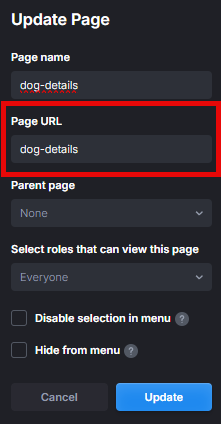
If you can’t find out why the redirect to the wrong page happens, I personally would, depending on how much else is on the page, either just delete and make the gridview component again or create the whole page again. This mechanic itself is not a lot of work if you know what to do, so below I’ll describe the whole process how to “access a detail component on a page from a gridview”.
How to make parameter-based navigation using the selected card from a GridView
- First of all, we’ll set up the database, but since that’s not on the topic and might vary depending on which database you use, I’ll leave that to your own. For the example I created a table in the UI Bakery integrated postgreSQL database like so
And added some test dataCREATE TABLE dogs( id bigserial primary key, name varchar(100) NOT NULL, age integer NOT NULL, breed varchar(100) NOT NULL, fav_toy timestamp default NULL );INSERT INTO dogs (name, age, breed, fav_toy) VALUES ('Buddy', 3, 'Golden Retriever', 'Tennis Ball'), ('Charlie', 2, 'Beagle', 'Frisbee'), ('Max', 4, 'Bulldog', 'Stuffed Animal'), ('Bella', 1, 'Labrador', 'Rope Toy'), ('Lucy', 5, 'Poodle', 'Squeaky Bone'); - Create 2 pages: one for displaying all objects and one for the details of an object
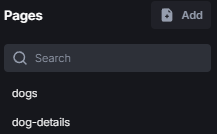
- On the
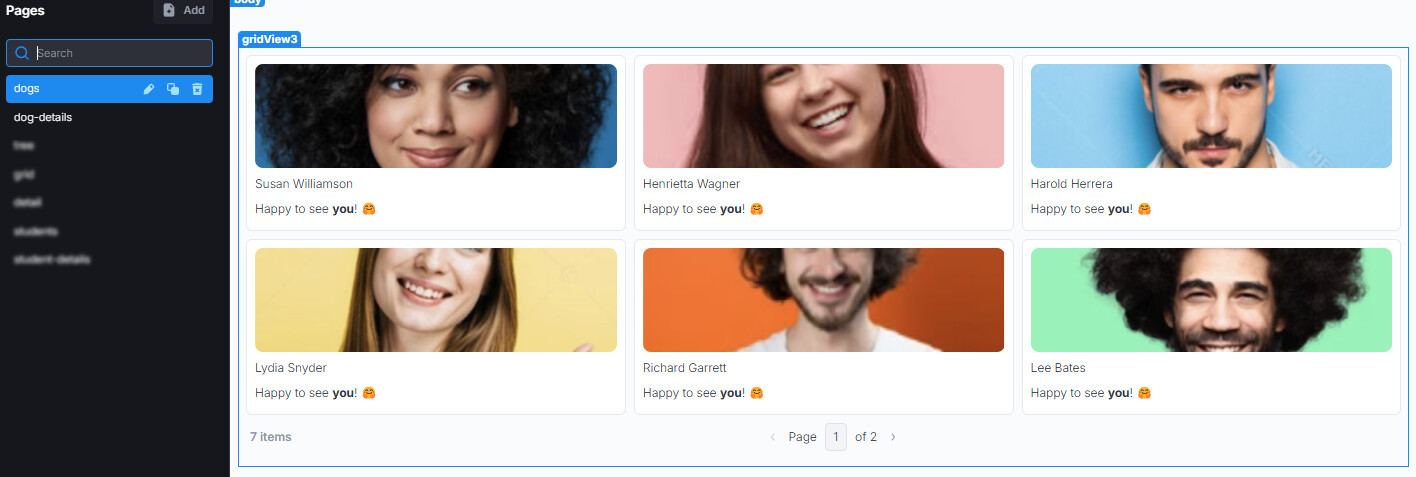
dogspage add a gridview component
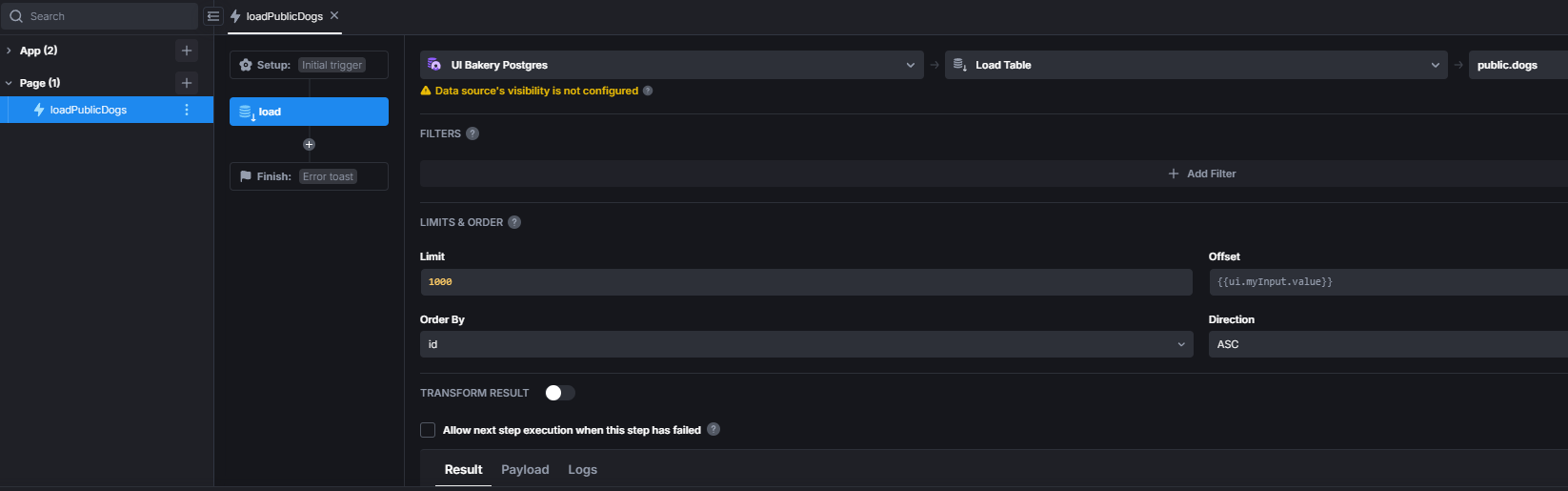
- Create an action that retrieves all rows from the table and set it as the
Dataof the gridview component
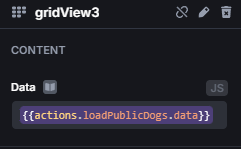
- Setup cards in gridview to your liking, I set them up like this
- Create new action that navigates to
dog-detailswith the id of the object as query parameter
- Add a trigger to the cards in the gridview with the object as action parameter
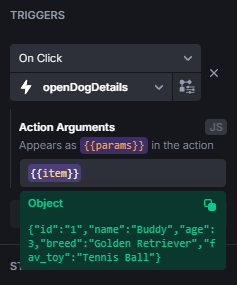
- On the
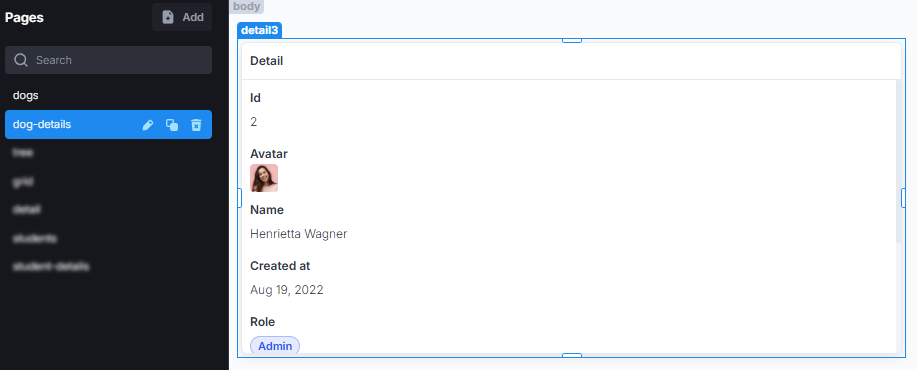
dog-detailspage add a detail component
- Still on the
dog-detailspage, create a new action that loads the specific row by the id and add it as theDataof the detail component
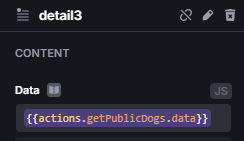
- Now if you go back to the
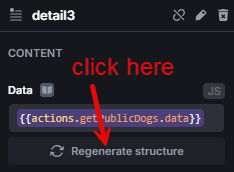
dogspage, click on any card and it will navigate todog-detailswith the query params set to?dog_id=<id>. The action loading the object will execute and passes the result to the detail component. PressRegenerate structureso the details component automatically sets the right structure
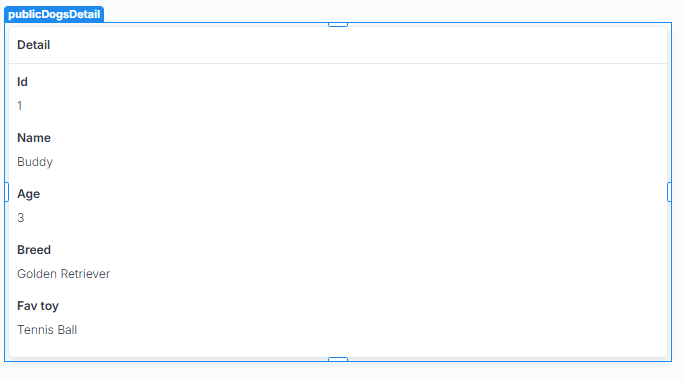


And with that we’re done, clicking on the cards in the gridview will take you to the details page and load the appropiate object. But, since we are loading all the objects on the dogs page already, we could send the whole object as query param. Not that I recommend it, in fact, it’s probably not favorable to do since objects can get quite big and the URL doesn’t look very nice with all that stuff in there. But, I’ll quickly show how to do it as a reference for what you could do:
- Change the navigate action on the
dogspage so it’ll send the whole object as string
- Create a new action on the
dog-detailspage which parses the string and returns the object and set it as theDataof the details component
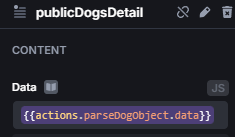
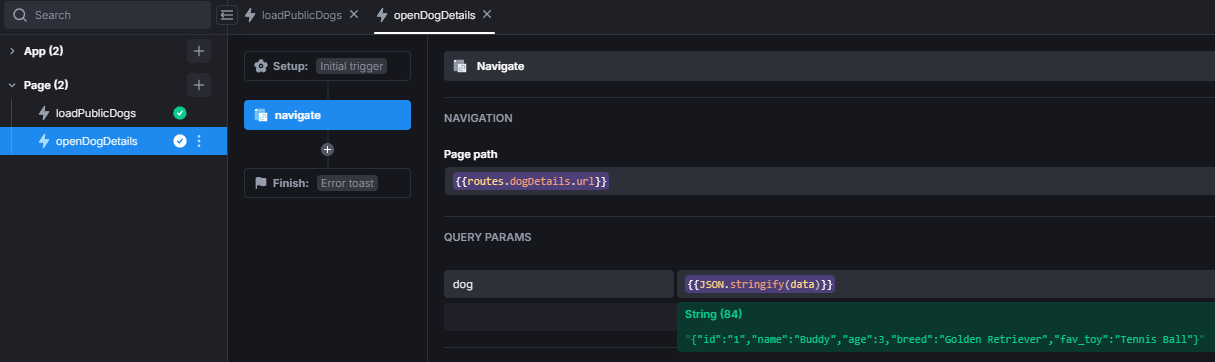
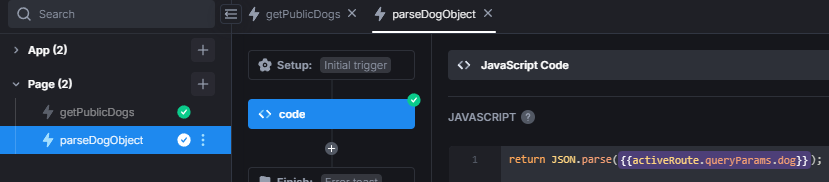
Now again, if you click on the cards on dogs it will navigate to dog-details and “load” the object into the details component.